Basic Controls
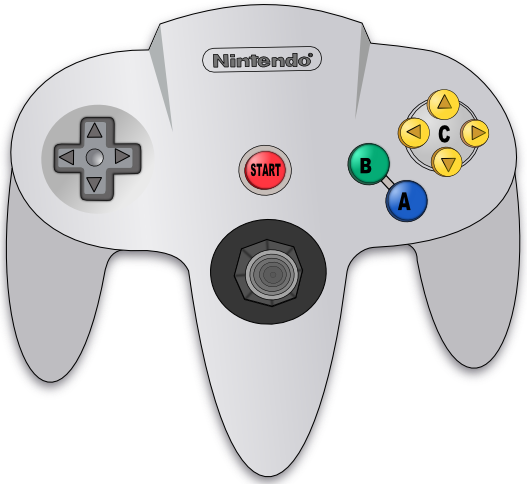
All menu interactions are performed using the controller and its associated buttons.
File Browser
See File Browser operations for additional information.
Fast scroll
Press either the C-Up or C-Down buttons to scroll by pages, rather than by elements.
Menu settings
Press the START button on the browser screen to open the Settings window.
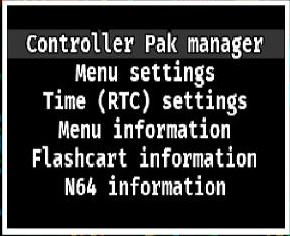
From here you can edit some of the N64FlashcartMenu settings, see information about either the console, the flashcart you are using or N64FlashcartMenu itself, and if your cart has Real-Time Clock (RTC) support, you can also change its date and time.
File options
Press the R button to open the Browser Options window. Here you can see a ROM's properties, delete it from your SD card or establish the default folder
where N64FlashcartMenu's browser will start in future boots.
Additional ROM information
Press either the L or Z button on the ROM information screen to open an additional window that will show additional information about the currently
selected ROM file, such as its endianness, regional variant, set clock rate, and much more.
64DD-related
Expansion disks
To load an expansion disk (such as F-Zero X), first browse to the N64 ROM and load it (but not start it!), then browse to the 64DD expansion file and press either the L or Z button.
Tip
Before pressing the L or Z button, press the R button and add the combination (ROM + Expansion disk) to your favorites.
Disk swapping
This feature is not currently available in N64FlashcartMenu.